Teachers & students
Bring the water cycle, the digestive system or a history timeline to life, with numbered steps that match your lesson.
 DiagramPulse
Free · No sign-up · Runs in your browser
Drop in a flowchart, process or architecture diagram, trace the arrows, and export a glowing, looping GIF, video or SVG that drops straight into your slides, docs and posts.
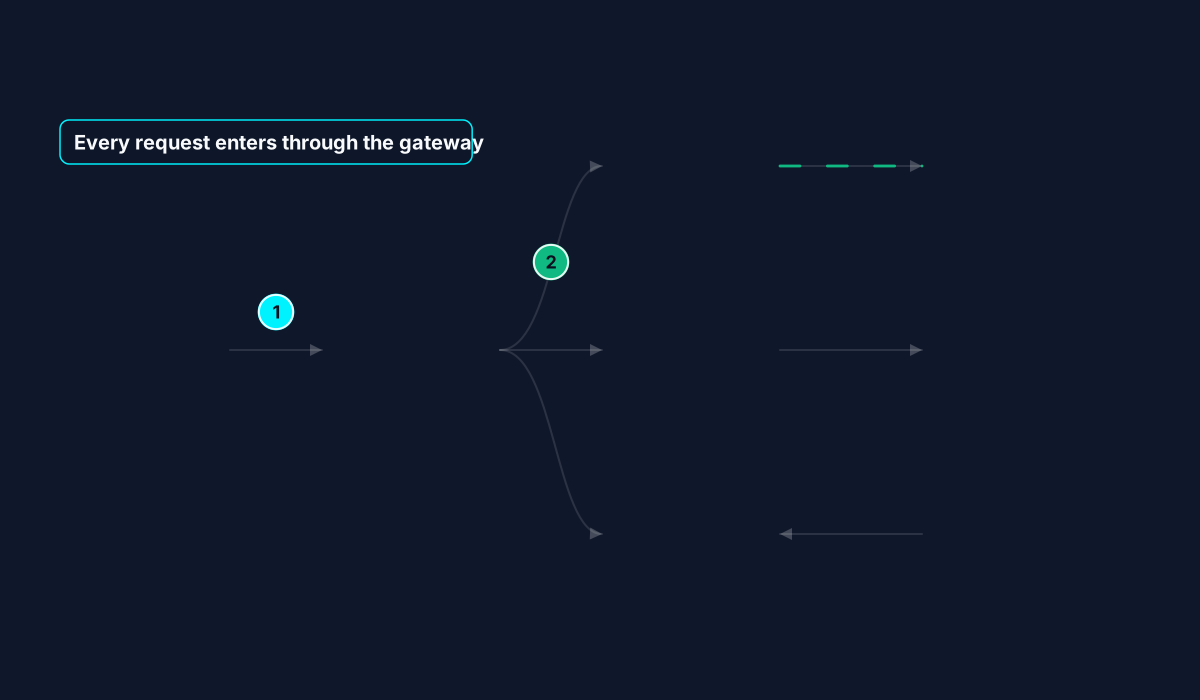
Drag in a screenshot, paste from your clipboard, or start from a ready-made template: a water cycle, a process flow, an org chart and more.
Drag over each arrow with straight, curved or elbow lines. Pick a style, add step numbers and labels, and watch it animate live.
Download a seamlessly looping GIF, a video, or an SVG. Choose slide, square or vertical shapes and a small file size for email and chat.
If it has arrows, it can flow. No design or coding skills needed.
Bring the water cycle, the digestive system or a history timeline to life, with numbered steps that match your lesson.
Make a customer journey or approval process easy to follow in a deck, so your audience watches the flow instead of squinting at arrows.
Show how a request moves through your system in a README or runbook, with a lightweight animated SVG you can paste anywhere.
Turn an infographic or funnel into a scroll-stopping loop, exported in square or vertical shapes for social.
Six starters across education, business and tech. Edit every part.
Text, numbered badges and pulsing boxes that guide the eye in order.
Neon, subtle, data stream, ping. Apply one look to every flow at once.
16:9, 4:3, 1:1 and 9:16 exports that fit the diagram without cropping it.
Loops with no visible jump, with size presets for email, slides or sharpest quality.
Pick up where you left off: your latest diagram is kept in your browser.
DiagramPulse does all its work inside your browser. Your images aren’t uploaded to a server, so internal architecture diagrams and unreleased slides stay private. Ads, which keep DiagramPulse free, come from Google and never see your diagrams. Read the privacy details.
DiagramPulse is free to use, and a few small ads pay for hosting. They sit on this page and in a slim bar below the editor, never over your diagram, and you can hide the bar with its close button. Your diagrams are never sent to the advertiser. See the privacy details.
Export a GIF, then use Insert → Image (PowerPoint) or Insert → Image → Upload from computer (Google Slides). GIFs loop automatically in slideshow mode. Use the “Small” size if you want a lighter file.
GIF works almost everywhere, including email and chat. Video is the sharpest and smallest for websites and social. SVG is a tiny, crisp vector that you can paste into docs and READMEs.
No. Everything is processed in your browser, including reading the boxes, arrows and text in a screenshot. Your latest project is autosaved in your own browser’s storage so you can come back to it.
Yes, DiagramPulse is free to use right now, with no account required.
Current versions of Chrome, Edge, Firefox and Safari. Video export uses your browser’s built-in recorder, so the file type (WebM or MP4) depends on the browser.